QR Code Real Estate Signs: The Complete 2026 Setup Guide
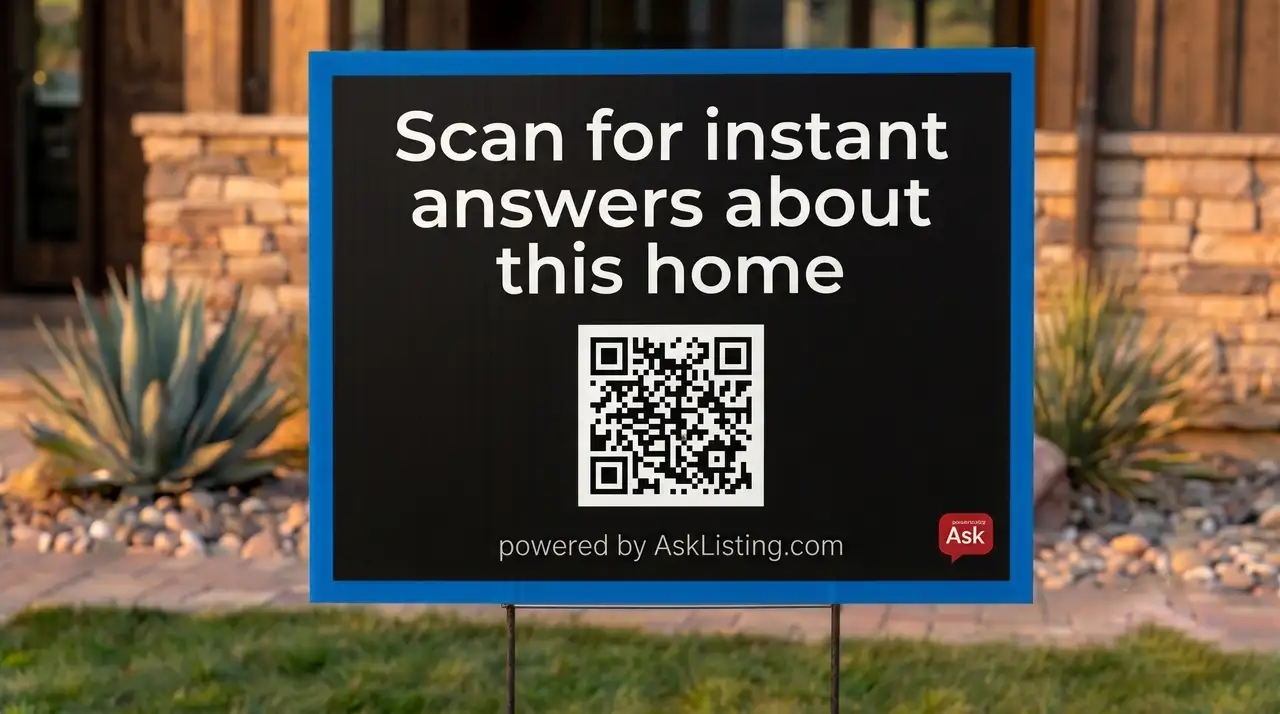
Why Your For-Sale Sign Needs a QR Code
Seventy-eight percent of buyers drive by a property before they ever call the listing agent. That is not a statistic to skim past: it means the physical sign in the yard is the first real touchpoint most buyers have with your listing. Everything that happens in those two to five seconds a buyer spends slowing down in front of the house determines whether you get a lead or lose one to the next property down the street.
A standard for-sale sign, or any yard sign with nothing but a phone number, asks buyers to remember ten digits, drive home, and remember to call at a time when they are no longer standing in front of the property and their interest is at its peak. Statistically, most of them do not make that call. The number on the sign is a friction point disguised as a contact method. A QR code, by contrast, asks buyers to do exactly one thing: point their phone camera at a square. The action takes under two seconds and completes while the buyer is still in front of the house, at full emotional engagement with the property.
QR adoption in real estate accelerated sharply after 2020, when Apple and Google updated iPhone and Android cameras to scan QR codes natively, without any app download. That friction point is gone. Today a buyer with a two-year-old phone can scan your QR code without touching the app store. That shift means QR codes on real estate signs have moved from a novelty to an expectation, and agents who have not added one are leaving a meaningful percentage of their drive-by traffic uncaptured.
Dynamic vs. Static QR Codes for Real Estate
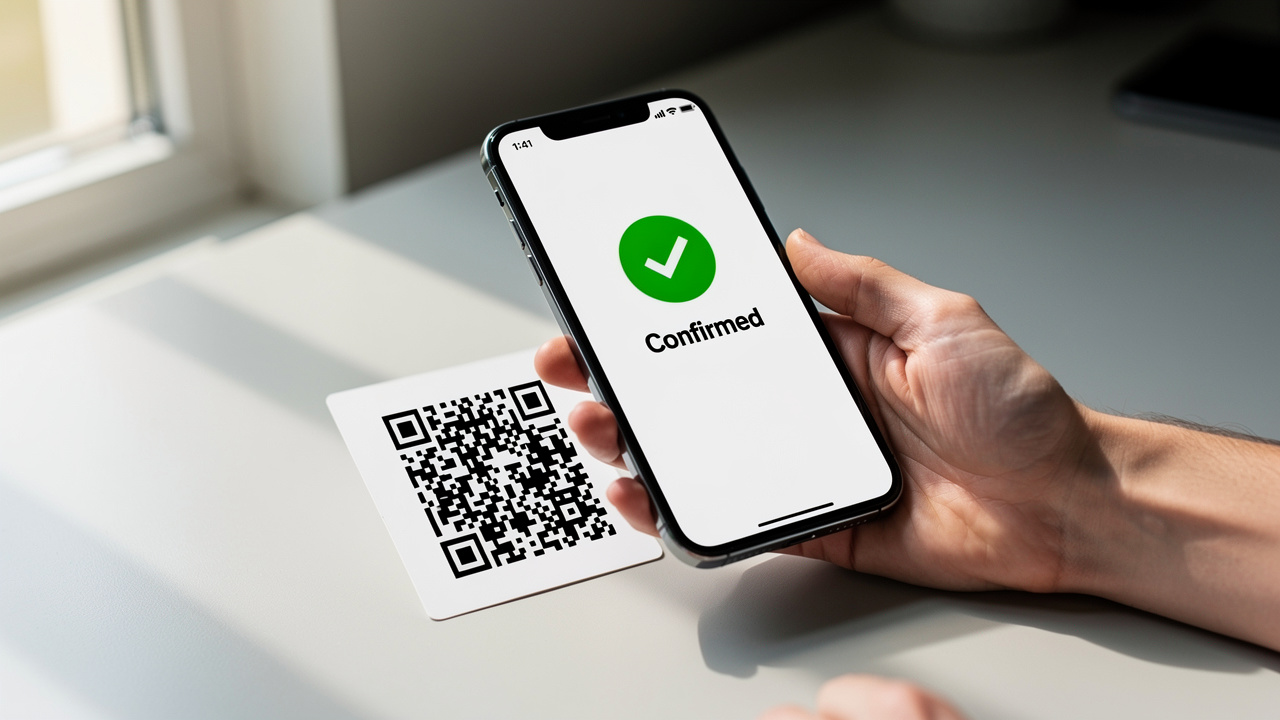
There are two fundamental types of QR codes: static and dynamic. The difference is where the destination URL lives. In a static code, the URL is encoded directly into the pattern of black and white modules that make up the code. The URL is permanent. You cannot change it without generating a new code, which means a new print run, which means new signs.
A dynamic code is different. The actual QR image encodes a short redirect URL controlled by a third-party server. When a buyer scans it, they hit that redirect, which forwards them to whatever destination you have configured. You can change the destination URL at any time from a web dashboard, and the printed code stays exactly the same. The sign does not need to be reprinted.
For real estate, dynamic is the only sensible choice. Listings are living documents. The price drops. The status changes from active to pending to back on market. An open house gets added, rescheduled, or cancelled. With a static QR, each of those changes would require a new rider panel and new print costs. With a dynamic QR, you log in, update the URL, and the sign is current within seconds, even while it is standing in the yard. The cost difference between a dynamic and static code is negligible (most dynamic QR providers cost $8 to $15 per month for unlimited codes), and the operational flexibility is enormous.
The typical setup workflow: generate a dynamic code from a provider (or use AskListing, which creates them automatically for every listing), set the destination URL to your listing page or AI assistant, download the code as an SVG, and send it to your sign vendor. That is the entire process. From that point on, you manage the destination from your phone, not from a print shop.
Step-by-Step: Setting Up Your Real Estate QR Code
Most agents spend more time thinking about whether to add a QR code than it actually takes to add one. The setup process from zero to a print-ready file takes about 20 minutes. Here is the exact sequence.
-
1
Choose a dynamic QR providerAskListing generates a dynamic QR code automatically for every listing you add, tied directly to the AI assistant for that property. If you want a standalone solution, Bitly and Linktree both offer dynamic QR codes on their paid plans. Bitly starts at roughly $8 per month; Linktree is similar. Either works, but AskListing is the only one that also handles the buyer conversation on the other side of the scan.
-
2
Set the destination URLPoint the QR at a mobile-optimized destination where a buyer can take an immediate action. Your listing detail page is acceptable. An AI chat assistant that answers buyer questions in real time is significantly better. Avoid linking to a PDF, a general website homepage, or any page that requires a login. If the first tap after scanning hits a wall, you lose the lead.
-
3
Download in SVG formatVector format scales to any print size without pixelation or blurring. A PNG that looks clean on screen will print as a muddy, low-contrast mess at sign-rider dimensions. Always request or download SVG from your provider. If SVG is not available, ask for a PDF export at 300 dpi minimum.
-
4
Size to at least 1.5 inches square, prefer 2 inchesThe 1.5-inch minimum is the threshold for reliable scanning at 10 feet of distance on a current-generation smartphone camera. At 2 inches, the scanning distance extends to roughly 15 feet and tolerates more camera shake and angle variation. On a standard rider panel (24 by 6 inches is common), a 2-inch code leaves plenty of room for an instruction line without crowding.
-
5
Set error correction to level Q or HQR codes have a built-in redundancy system called error correction, which lets the code remain scannable even if part of it is damaged, dirty, or obscured. Level Q corrects up to 25% damage; Level H corrects up to 30%. Outdoor signs take abuse: rain streaks, mud splatter, sun fade, tape residue from a previous rider. Higher error correction is your insurance policy against the elements.
-
6
Test by scanning from 10 feet before you send to printPrint a proof copy on regular paper at the intended size, tape it to a wall, and walk 10 feet back. Point your phone camera at it without tapping the screen and confirm that it scans automatically. This step catches sizing errors, contrast problems, and encoding mistakes before you spend money on a sign rider. It is the single most skipped step in the process, and skipping it is how agents end up with unscannnable signs in the field.
-
7
Order the rider panel from your sign vendorA custom rider panel with your QR code and instruction line typically costs $15 to $40 depending on the vendor and material. Weatherproof UV-printed vinyl is worth the premium over standard coroplast for anything that will be in the field for more than a week. Allow three to five business days for print and delivery. If you need a rider faster, many FedEx Office locations can produce a coroplast rider same-day from an emailed file.
What Your QR Code Should Link To
The destination is more important than the code itself. A perfectly sized, perfectly printed QR code that links to the wrong experience is worse than no QR at all, because it trains the buyer that scanning sign codes is not worth the effort. The destination determines whether you get a lead or lose one.
A static PDF is the worst common destination. It loads slowly on mobile, requires the buyer to pinch and zoom to read anything, offers no way for the buyer to ask a follow-up question, and gives you zero lead capture. A basic listing page with photos and specs is better, but still fundamentally passive: the buyer reads, forms an opinion, and leaves. You know nothing about them. You have no contact information. You have no way to follow up.
The right destination is a mobile-optimized experience where the buyer can ask a question and get an immediate, intelligent answer. This is where an AI texting assistant changes the math entirely. When a buyer scans and lands on an AI-powered SMS interface, they send a question ("Does this have a garage?" "When is the next open house?" "What is the HOA fee?") and receive an accurate answer in seconds. At the moment they send that first message, they have given you a consented, TCPA-compliant phone number. No form. No login. No friction. The conversion from scan to lead capture happens in the same motion as the buyer getting the information they wanted. This is exactly what a real estate chatbot does on the other side of the scan, and it is the same engine behind SMS marketing for real estate. Every listing gets a unique AI assistant that answers buyer questions via text and routes the contact information to the listing agent in real time.
QR Code Design Rules for Outdoor Signs
Outdoor sign environments are hostile to poor design choices. Direct sunlight washes out low-contrast codes. Rain streaks create visual noise. Buyers are scanning from an angle, at a distance, often with camera shake from holding a phone with one hand. Every design decision you make on the rider panel either helps the code scan reliably or gives it another way to fail.
- Module color: dark on light only. The QR spec requires high contrast between the dark modules (the black squares) and the light background. Never use a colored QR, where the modules are a brand color instead of near-black. Colored modules reduce contrast below reliable scanning thresholds in bright sunlight. Dark modules on a white or very light background is the only combination that works consistently outdoors.
- Quiet zone: preserve 30% white border around the code. The quiet zone is the blank space that surrounds the QR pattern. Scanner algorithms need it to locate the edges of the code. If your sign vendor crops into the quiet zone to save space, the code will not scan reliably. Specify a minimum of four module-widths of white space on all four sides when you send the file.
- Instruction text: five words maximum, large enough to read at 15 feet. "Scan for photos and details" is about right. The text should appear directly below or above the code, not beside it, and should be set at a font size that a buyer can read from the curb before they even decide to scan. Instruction text that requires the buyer to walk to the sign to read it defeats the purpose.
- One element per rider panel, no exceptions. A rider panel with a QR code should have exactly three things on it: the QR code, the quiet zone, and one line of instruction text. No phone number. No website URL. No agent headshot. No brokerage logo. No additional text. Every element you add competes for visual attention and reduces the probability that the buyer scans the code. This is the design rule most agents resist and most sign vendors ignore. Enforce it.
- Weather resistance: UV-printed vinyl or laminate. Standard coroplast signs will fade, streak, and delaminate within two to four weeks in direct sun and rain. Weatherproof UV-printed vinyl maintains contrast and adhesion significantly longer. If your vendor offers laminate as an upgrade on coroplast, it is worth the cost for any listing with more than a two-week expected time on market.
A QR code is only as good as what it opens. Make sure the first thing a buyer sees after scanning is an answer, not a form, not a PDF, not a page that says "call us."
Pair QR with a Text-for-Info Shortcode
A QR code captures the buyer who stops, slows down, or is on foot. It does not capture the buyer who is traveling at 30 miles per hour and sees the sign in their peripheral vision. That buyer is not going to park, get out, and scan. But if they noticed the sign and the property looked interesting, they are likely to remember a short, simple action they can complete without stopping. That action is a text message.
A text-for-info shortcode printed below the QR gives drive-by buyers a second option: "Text HOME to [number]" requires memorizing four letters and seven digits, which most buyers can do from a moving car. One tap in their messages app when they stop at the next red light, and they are connected to the same AI assistant that the QR code links to. The lead capture happens the same way: the AI answers their question, the phone number is captured, the agent gets the contact. The two call-to-action formats together cover the full spectrum of buyer behavior, from the pedestrian who has 30 seconds to scan to the driver who caught a glimpse of the sign at speed.
This QR plus text-code combination is the highest-converting sign configuration for a single-family residential listing. Neither format alone reaches the entire audience. Together, they do. For message templates and follow-up sequences to pair with your text shortcode, see our real estate text message scripts guide. For more ideas on sign rider formats and text-code placement, see the guide to sign rider ideas. For the bigger-picture strategy, see how to use real estate signs to generate leads.
AskListing generates a dynamic QR code for every property automatically. Buyers scan, the AI answers, you get the lead.